
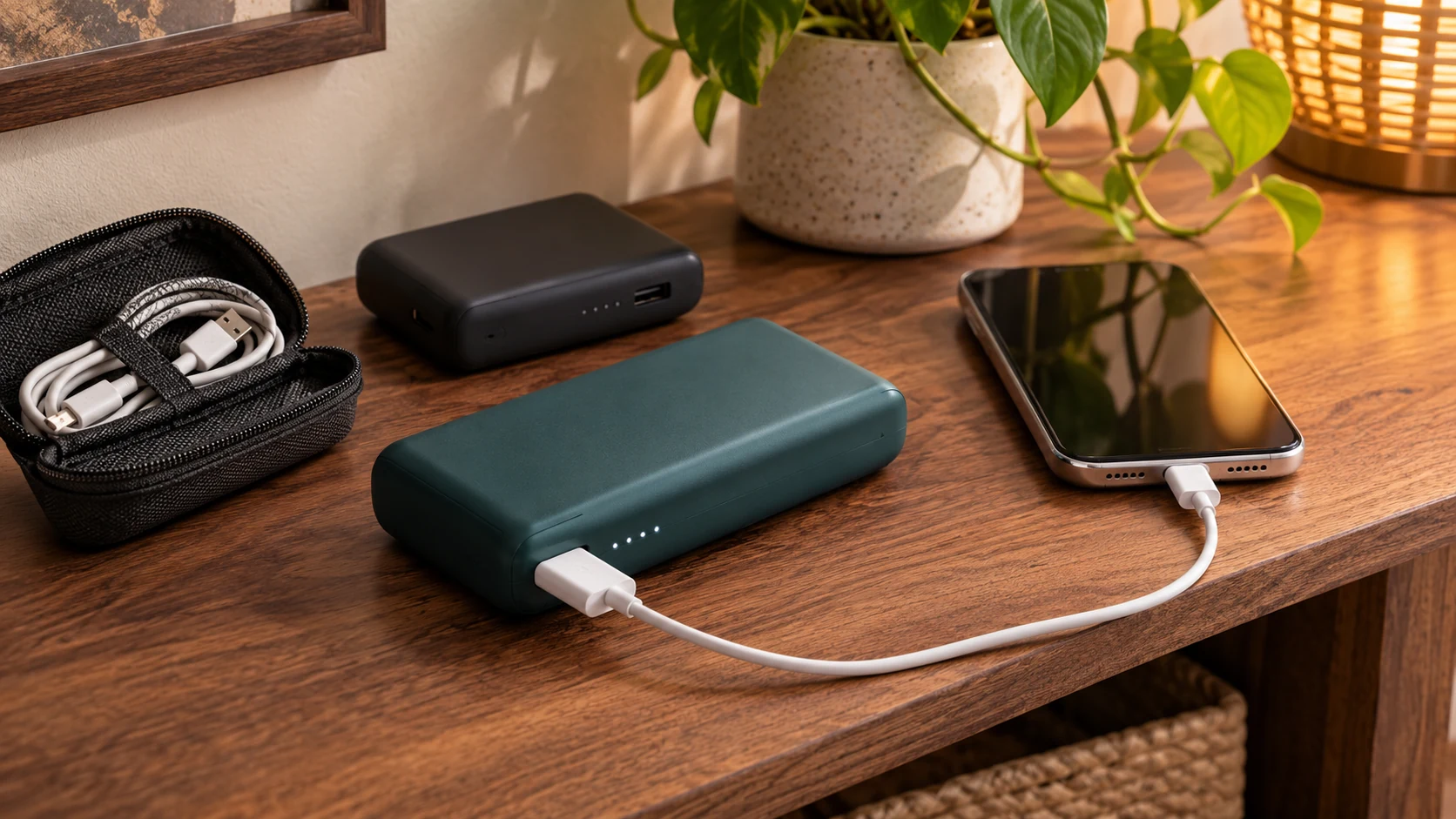
Planning backup power for emergency communications starts with the devices your household depends on. A charged phone, a working radio, and the correct cables can support a much simpler plan than a collection of unfamiliar equipment bought without a clear purpose.
Begin by deciding what each device needs to do during an outage. Then choose compatible backup options, test them safely, and keep a written record of the setup. A power plan should be understandable to more than one person in the household.
List Your Priorities for Backup Power for Emergency Communications
Make a short inventory of phones, radios, rechargeable lights, and other communication tools you expect to use. Note who uses each device, the required charging connection, and where its charger is kept. Include accessibility equipment in the conversation and identify needs requiring professional advice.
The county’s power outage guidance recommends identifying critical equipment, keeping phones and backup batteries charged, and checking whether home telephone service will work without power. It also directs people who use electrically powered medical equipment to discuss an outage plan with their medical provider.
Separate essential communication from optional use. A phone used for official updates and household check-ins has a different role from a tablet used for entertainment. Agree on priorities before an outage rather than negotiating them when batteries are already low.
Check the Whole Connection
A working phone does not mean every service behind it is available. Consider what your household communication method depends on, including a router, a modem, or provider equipment outside the home. Ask the service provider what its backup arrangements cover and what you are responsible for maintaining.
Keep more than one way to receive information in your plan. Our emergency radio guide explains options that serve different listening and communication needs. Choose equipment for its role, rather than assuming one battery can keep every connection available.
Choose Equipment That Matches Your Devices
A portable power bank can be a convenient option for compatible small devices. Before buying, check the manufacturer’s supported connections, charging requirements, operating limits, and instructions. Having a cable that physically fits does not establish that every feature or charging mode is supported.
Do not treat an advertised capacity as a guaranteed number of phone charges. The useful result depends on the device, its condition, and how it is used. A controlled practice session with your actual equipment provides a more meaningful starting point for household planning.
Organize Cables and Small Parts
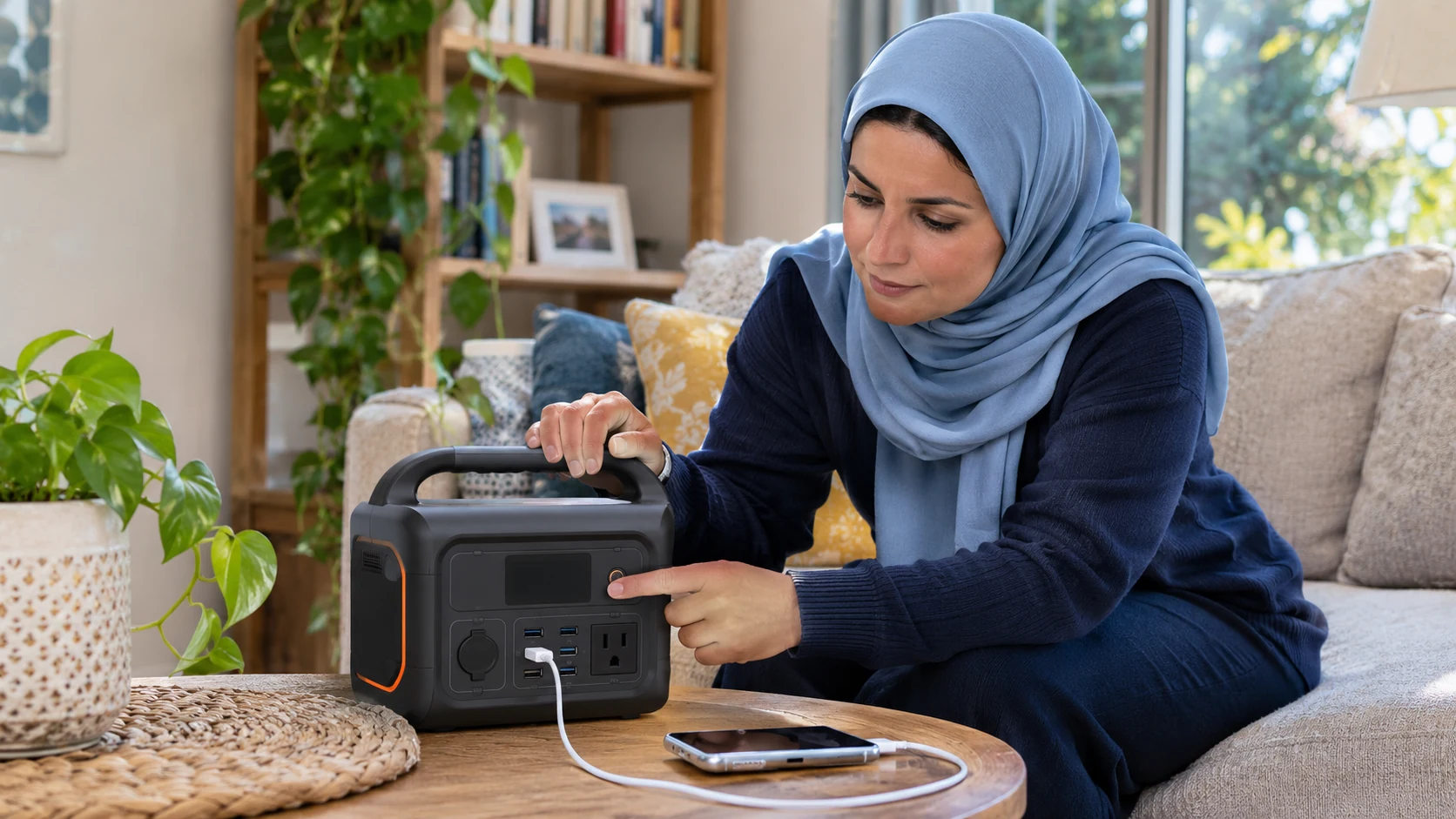
Keep the appropriate cable with each backup supply. Label it in a way the household understands and avoid borrowing it permanently for another room. If an adapter is required, store it with the equipment and record that requirement.
Include an accessible copy of the instructions. Someone who rarely uses the power bank should be able to find the controls and identify the charging indicators without searching online. Replace damaged accessories according to manufacturer guidance.
Test the Setup Before You Need It
Choose a calm time to test ordinary communication devices. Charge the backup supply as directed, connect a compatible device, and confirm that the device indicates it is charging. Check how the setup behaves during the type of use you expect, such as receiving messages or listening to a broadcast.
Do not simulate an outage by disconnecting medical equipment or interrupting another person’s essential service. Testing should address familiar consumer devices within their operating instructions. Ask the relevant professional to help plan equipment that supports health or other critical needs.
Keep a Simple Test Record
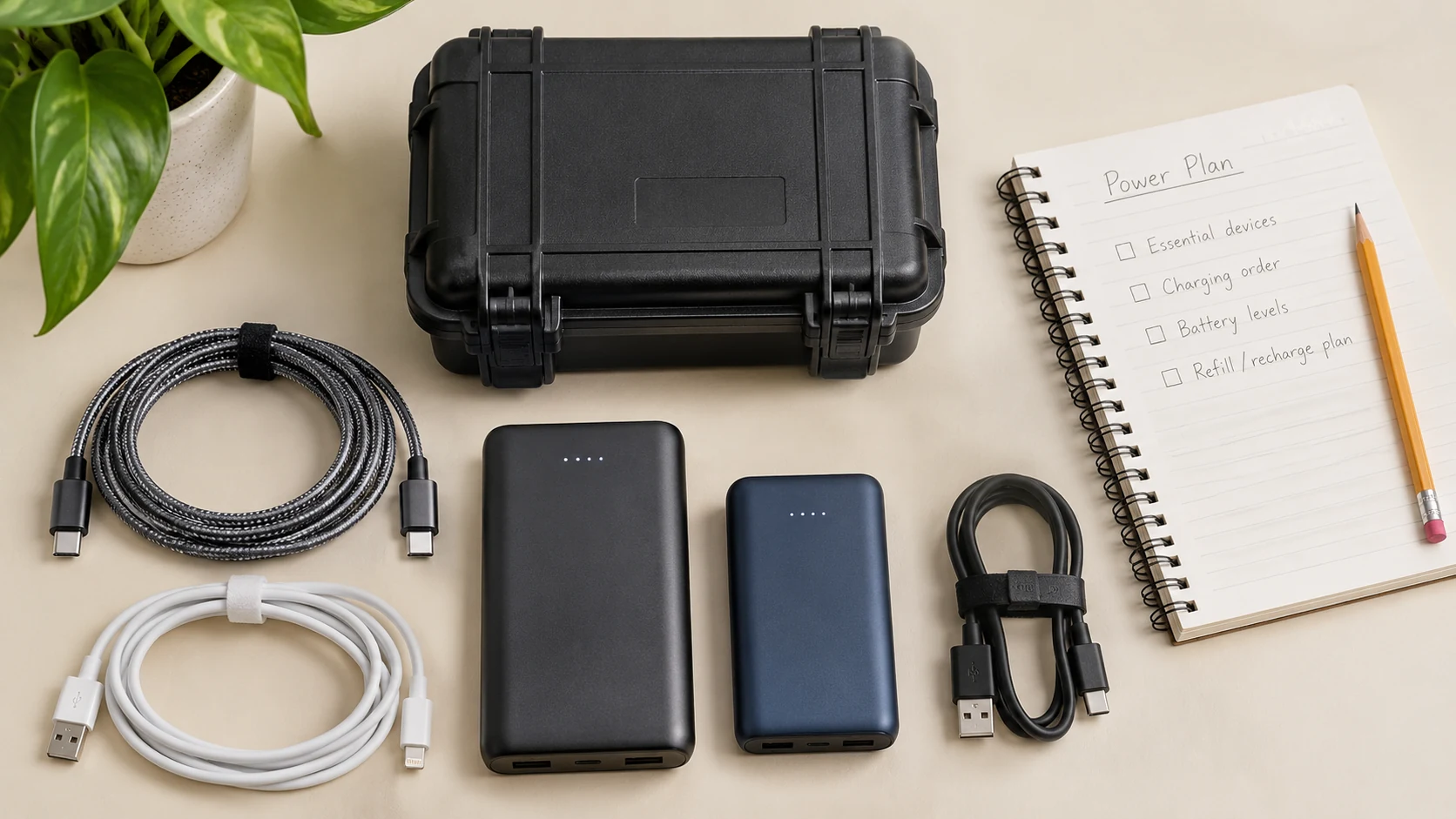
- Record the date and the equipment you used.
- Identify the compatible cable and any required adapter.
- Note the starting battery levels and the task performed.
- Record practical problems, such as controls that were hard to read.
- Schedule a review using the manufacturer’s maintenance guidance.
A test record is not a promise of future runtime. It helps your household understand the setup and recognize when it needs attention. Repeat the check when a phone, cable, battery, or other important component changes.
Charge and Store Batteries Safely
The U.S. Fire Administration’s battery safety guidance emphasizes appropriate chargers, proper charging practices, avoiding extreme temperatures, and checking for damage. Follow the instructions supplied with each device and battery.
Keep charging equipment in a suitable, dry location where you can observe it and where it will not obstruct an exit. Do not cover equipment or store it among loose items in a way that conflicts with its ventilation requirements. Inspect supplies during routine household reviews.
If a battery is damaged, swollen, leaking, or behaving unusually, stop using it and follow the manufacturer’s safety and disposal guidance. If there is a battery fire, the Fire Administration advises evacuating and calling 911 rather than trying to put it out yourself.
Understand the Limits of Larger Backup Options
A portable power station or permanent household system requires a different level of planning from a small phone power bank. Check equipment compatibility, capacity, placement, and maintenance with the manufacturer. Use qualified professionals for electrical installation or changes to household wiring.
Fuel-powered generators bring serious carbon monoxide risks. The Consumer Product Safety Commission says generators must operate outdoors, at least 20 feet from homes and buildings, with exhaust directed away from windows, doors, and vents. They must never run inside a home or garage.
Do not improvise an indoor or balcony arrangement because you only intend to charge a phone. If the property cannot accommodate safe operation, choose a different approach. A generator is not automatically an appropriate household purchase.
Use Power According to the Communication Plan
During an outage, prioritize the tasks you agreed on: receiving official information, contacting household members, and coordinating necessary assistance. Follow device guidance for battery-saving features while keeping the alerts and communication functions you need available.
Set expectations in your family emergency communication plan. A short, useful check-in can reduce uncertainty about a person’s location and next update. Keep written contacts available so the plan does not depend entirely on one charged device.
Keep the Arrangement Ready Between Outages
Review charging status, compatible cables, condition, and storage at an interval appropriate to the equipment. Put supplies back after ordinary use. Confirm that more than one person knows where they are and how they work.
Finish each review by correcting one practical weakness. Replace the missing cable, enlarge an unreadable label, or arrange advice for an unmet equipment need. A maintained, familiar setup is more useful than an ambitious power plan that nobody has tested.